
Enable ADB in the vehicle, connect the USB cable and wait for the installer to confirm the connection. ADB turns off after each vehicle restart; enable it again before continuing.

Installing on Deepal S05
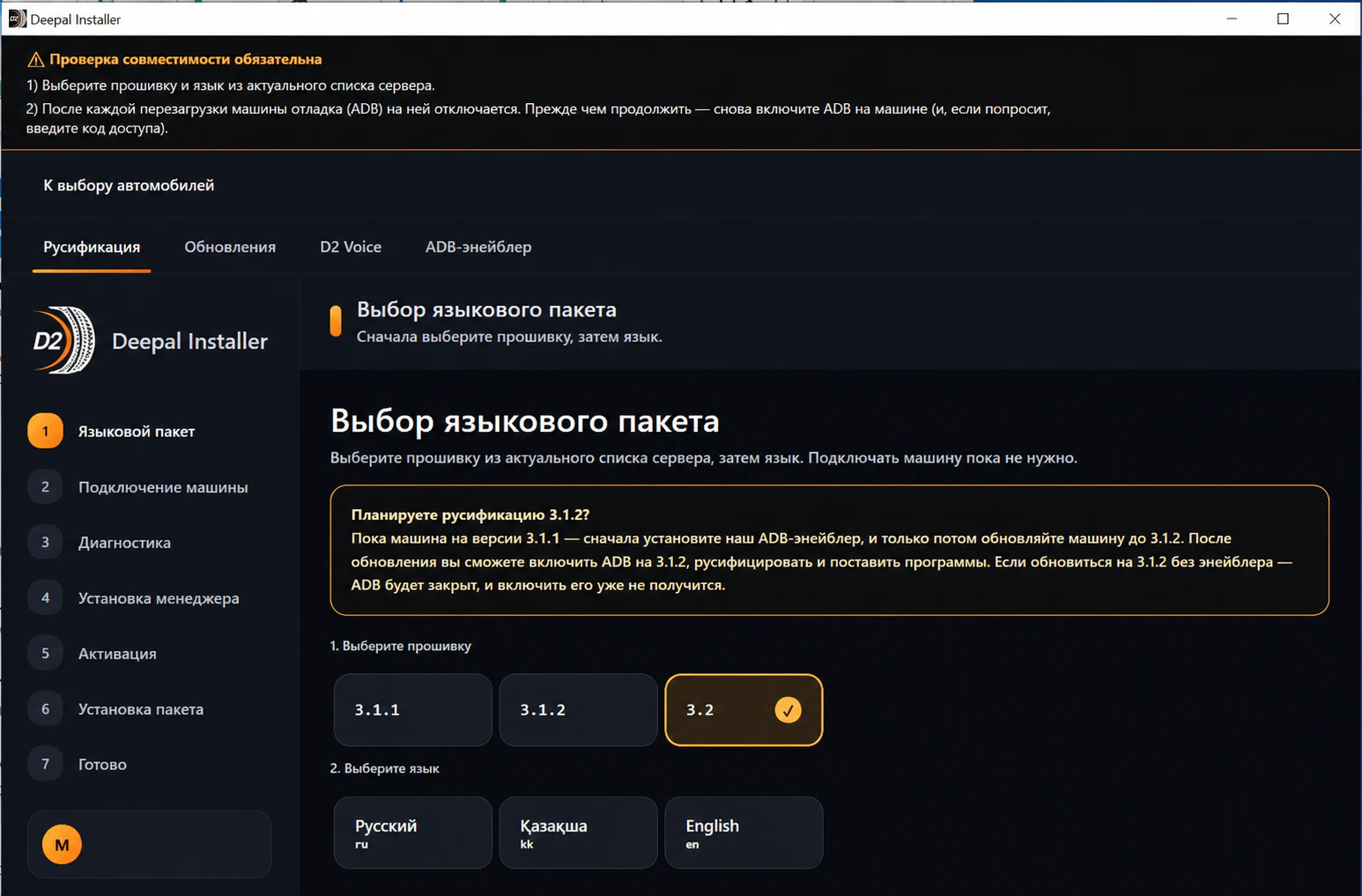
Choose the vehicle’s current firmware. On 3.1.1, you can start installation directly. Before upgrading to 3.1.2 or 3.2, install ADB Enabler and prepare this computer’s key while the vehicle is still on 3.1.1.

The selected firmware must match the vehicle.

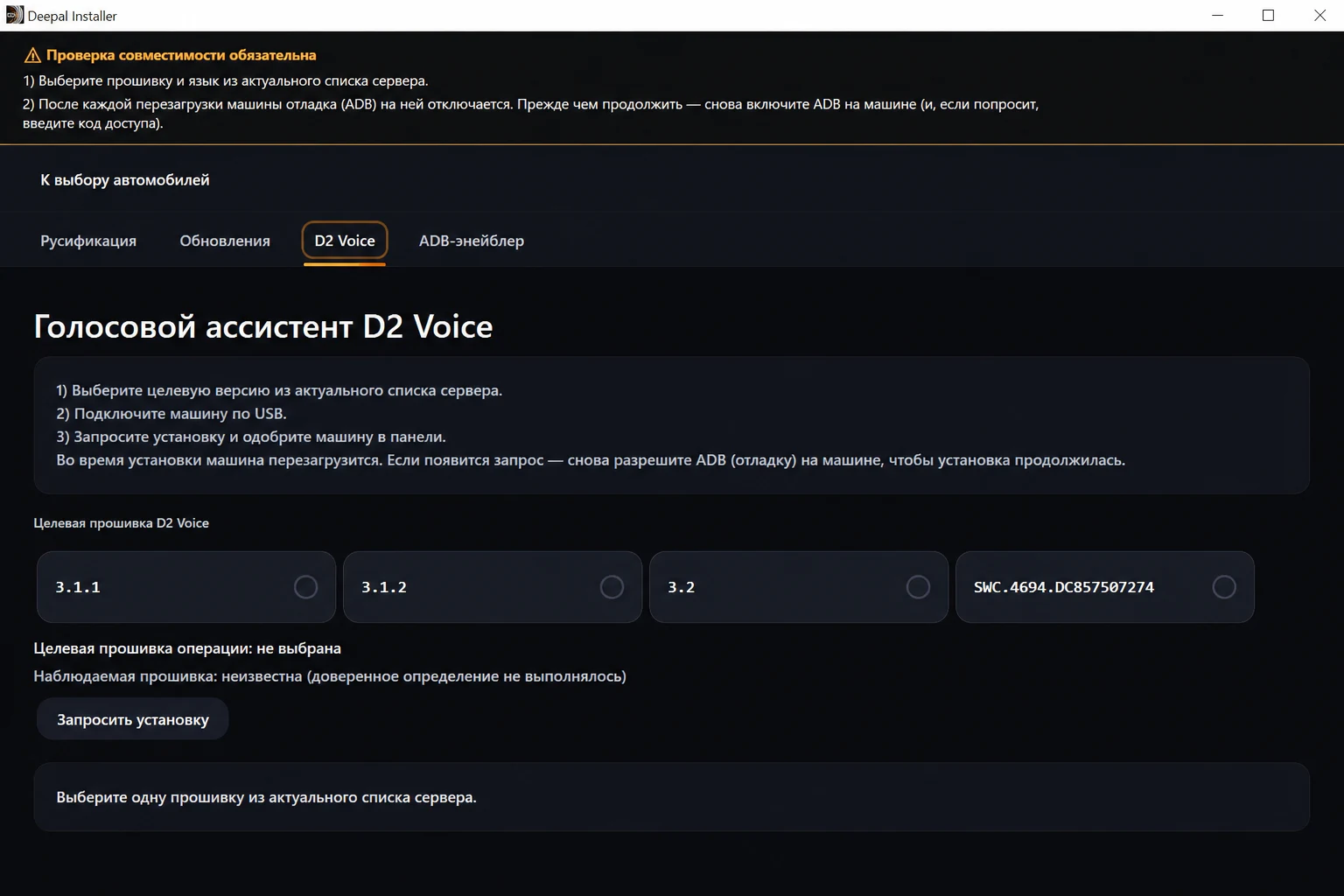
Install the vehicle interface package first, then request D2 Voice separately and install compatible apps.

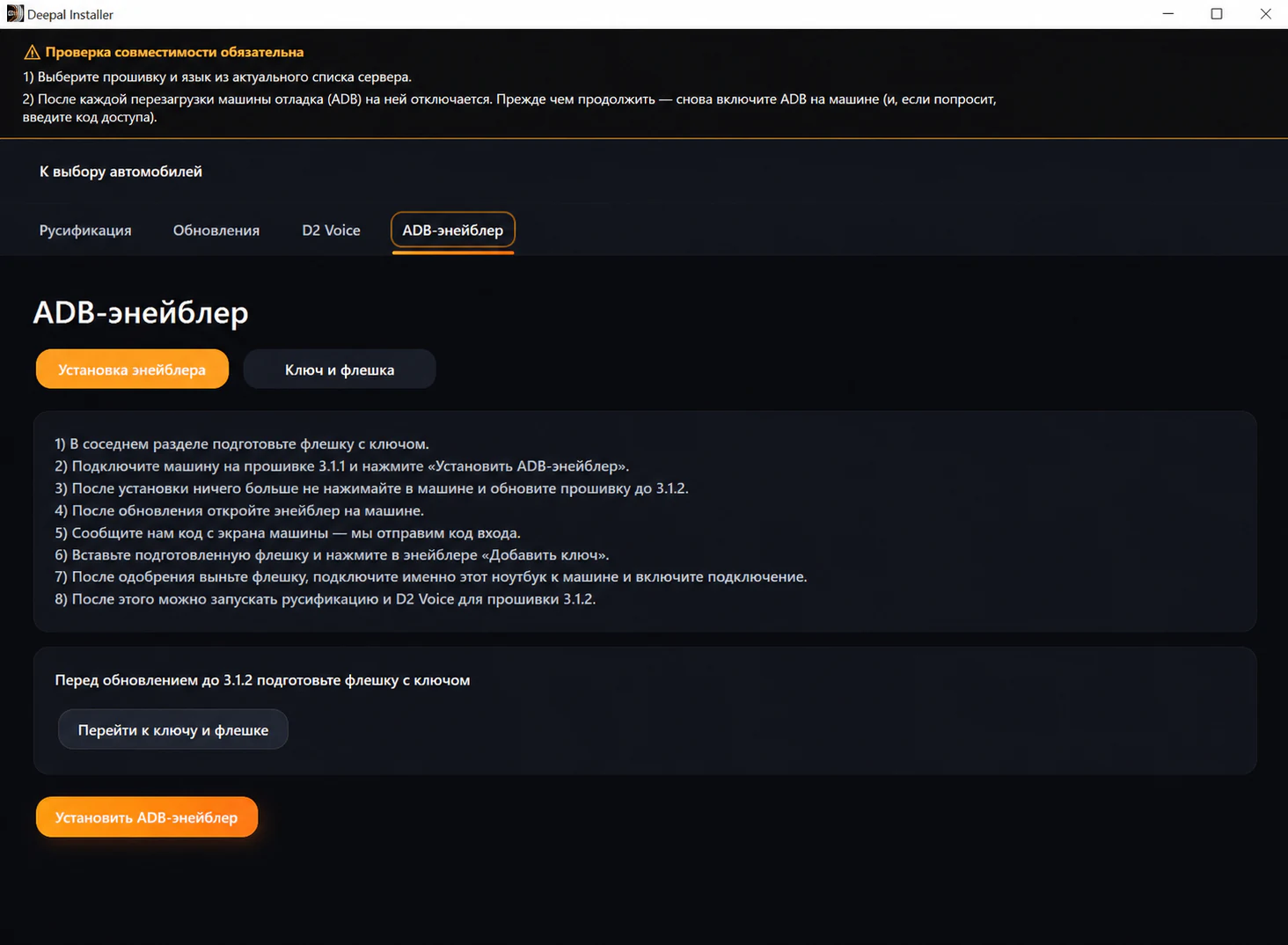
Do not upgrade S05 to 3.1.2 or 3.2 until ADB Enabler is installed and the USB drive with this computer’s key is ready. ADB Enabler preserves the service connection after the vehicle update.
Begin preparation while the vehicle is still running 3.1.1.
Connect S05 on 3.1.1 and install Enabler before upgrading.

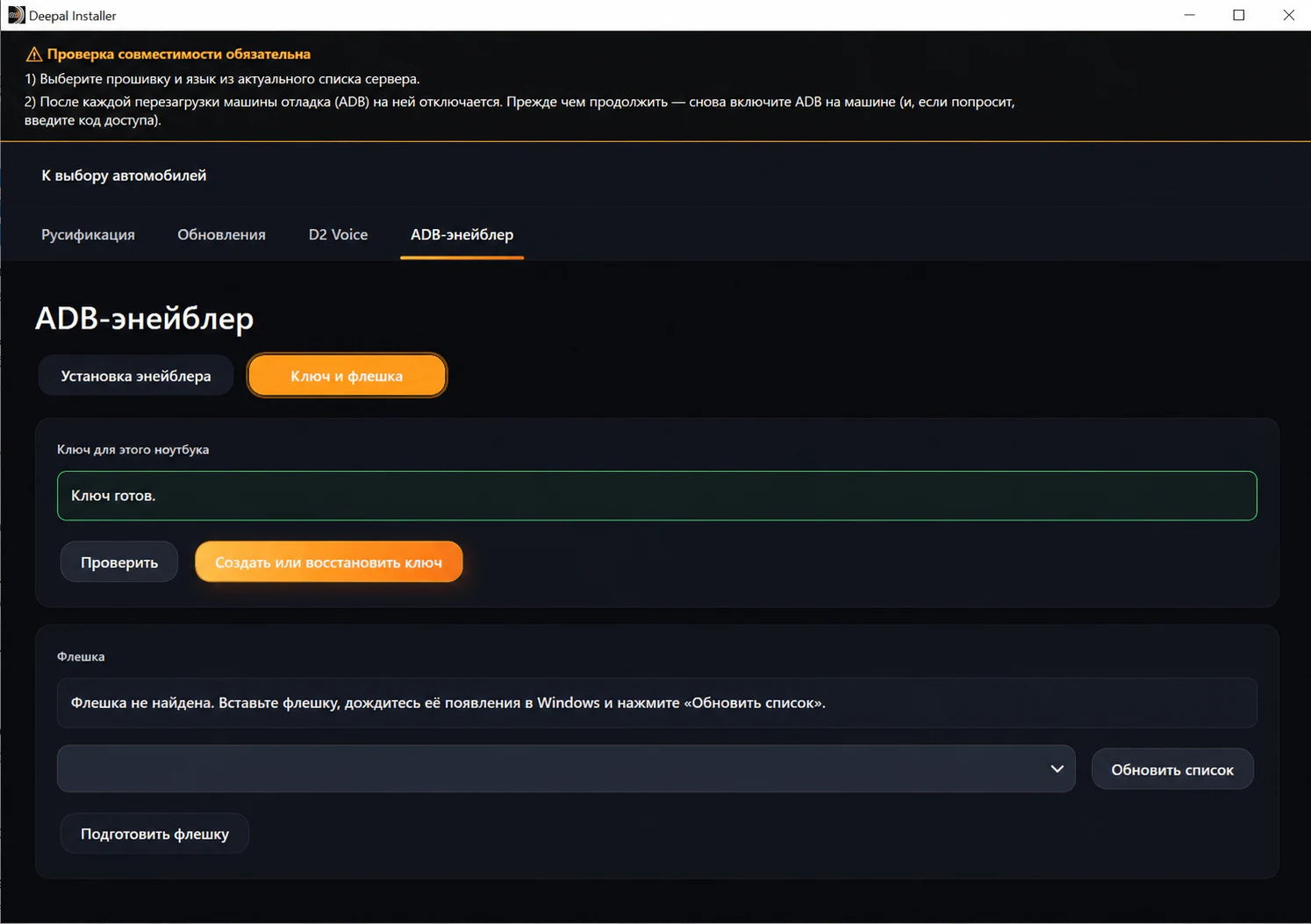
The installer creates a key for this computer and writes its public part to a USB drive.

Upgrade S05 only after Enabler and the USB drive are confirmed ready.
Add the key from the USB drive in Enabler, enable ADB and reconnect the same computer.
Choose the exact firmware and interface language, then install the interface package, request D2 Voice separately and install apps. Re-enable ADB after every restart.