D2App

Choose a language

Select the language for this website.

Step-by-step guides

Install D2App software

Choose your vehicle and firmware to see the correct installer, connection method and order of steps.

Get started

Choose your vehicle

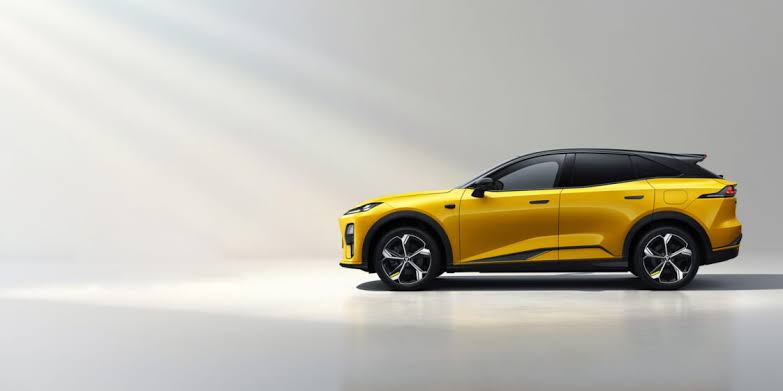
Yellow Deepal S05 viewed from the frontAvailable
D2 Deepal Installer

Deepal S05

3.1.1 · 3.1.2 · 3.2
Vehicle interface, D2 Voice and apps

Firmware: 3.1.1 · 3.1.2 · 3.2

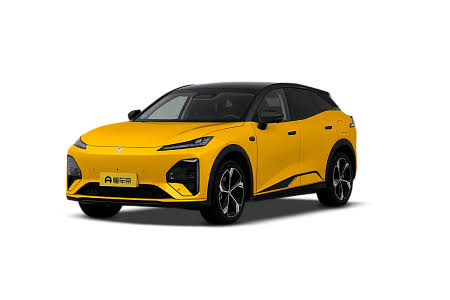
Yellow Deepal S07 pre-facelift viewed from the sideAvailable
D2 Deepal Installer

Deepal S07 pre-facelift

3.0 · 3.1 · 3.2
Connection setup and compatible apps

Firmware: 3.0 · 3.1 · 3.2

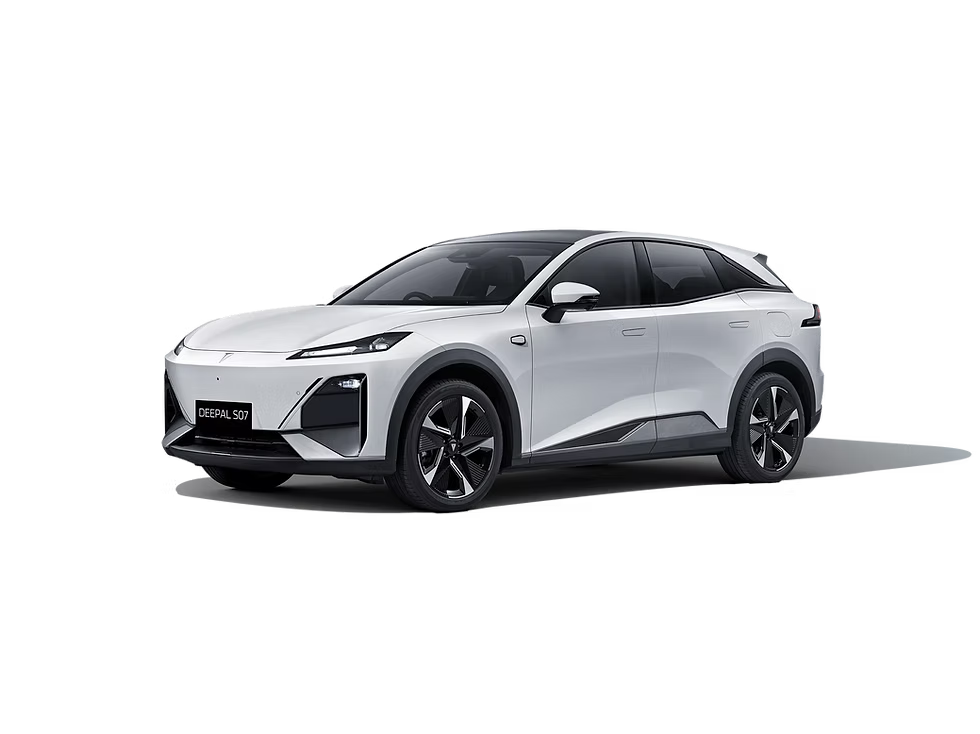
Deepal S07 facelift vehicle cutout Available
D2 Deepal Installer

Deepal S07 facelift

4.1.1 · 4.2.1 · 4.2.0 LiDAR · 4.2.1 LiDAR
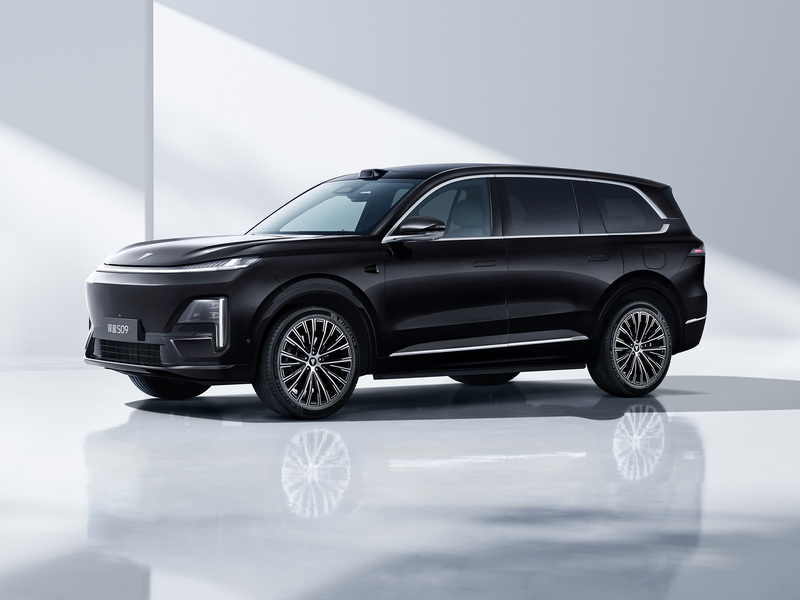
Interface languages, D2 Voice and Yandex on HUD · standard and LiDAR

Firmware: 4.1.1 · 4.2.1 · 4.2.0 LiDAR · 4.2.1 LiDAR

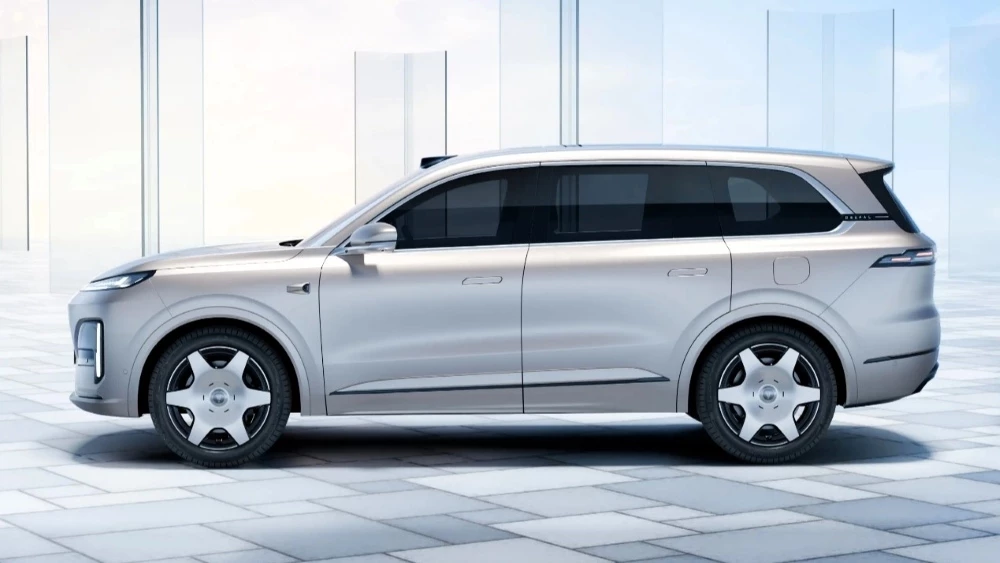
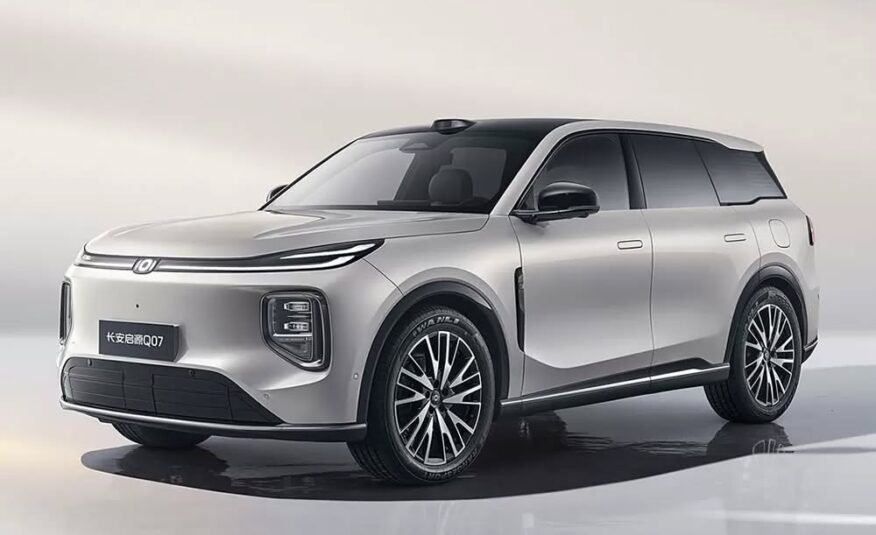
Silver Changan Q07 against a light neutral backgroundCurrent release
D2 Changan Installer

Changan Q07

Q07
Vehicle interface language with D2 Changan Installer

The installer checks the exact vehicle build. D2App Voice is a separate future release.
View image 1 / 1

Swipe left or right for the next image · swipe up or down to close