D2App

Choose a language

Select the language for this website.

Windows software

D2App Software

Download the matching Windows installer for your vehicle. Changan Q07 requires technician access.

Available software

Deepal S05 and S07

D2 Deepal Installer

Available

D2 Deepal Installer for S05 and S07. S07 facelift supports standard 4.1.1/4.2.1 and LiDAR 4.2.0/4.2.1, interface languages, separate D2 Voice and Yandex HUD projection. Select pre-facelift separately.

Supported S07 facelift features
FirmwareInterfaceD2 VoiceYandex on HUD
4.1.1 Russian English Russian English Yes
4.2.1 Russian English Russian English Yes
4.2.0 LiDAR Russian Russian English Yes
4.2.1 LiDAR Russian Russian English Yes

Select the exact version, including LiDAR. D2 Deepal Installer checks package availability and approval for your VIN. Choose the D2 Voice language separately from the vehicle interface language.
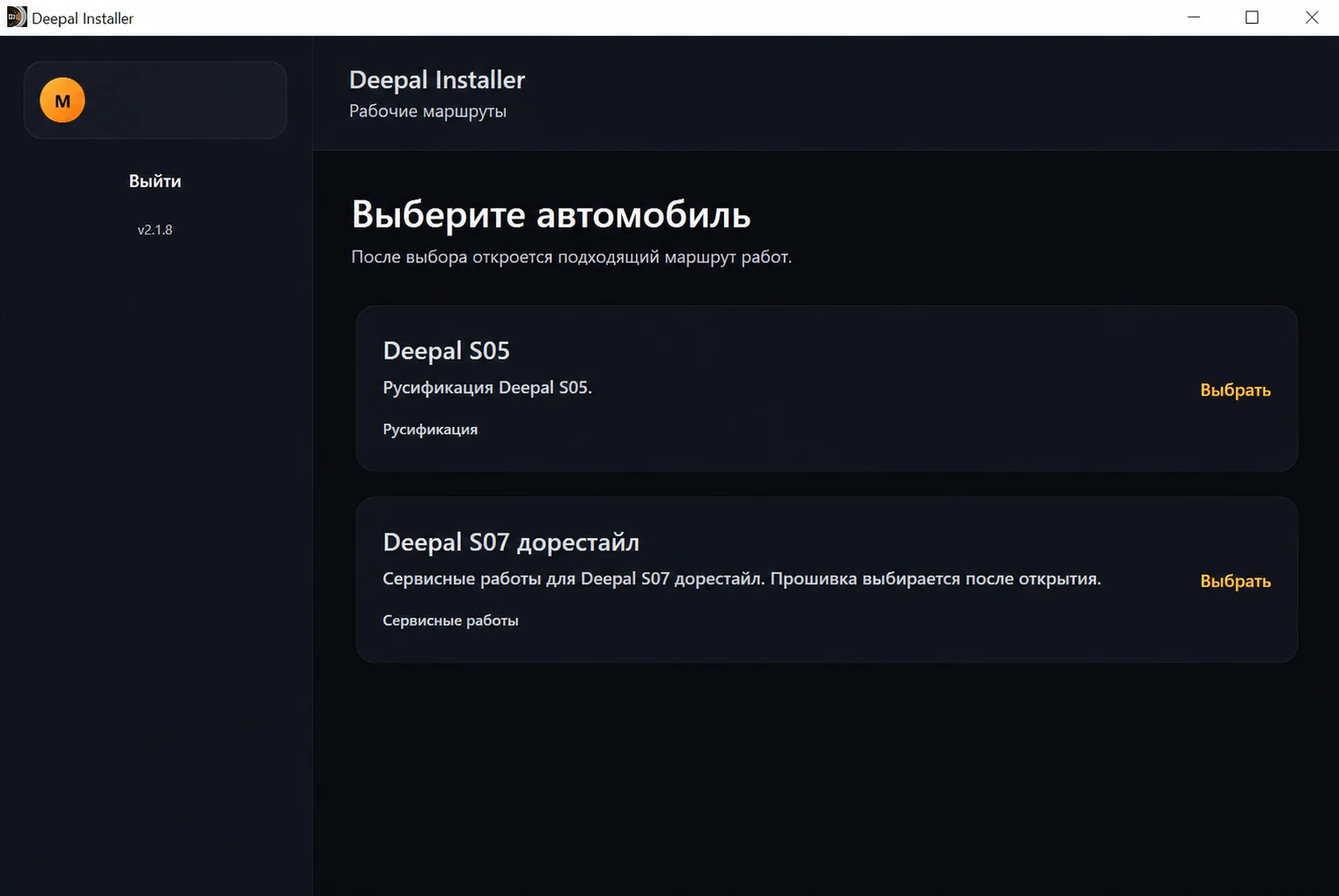
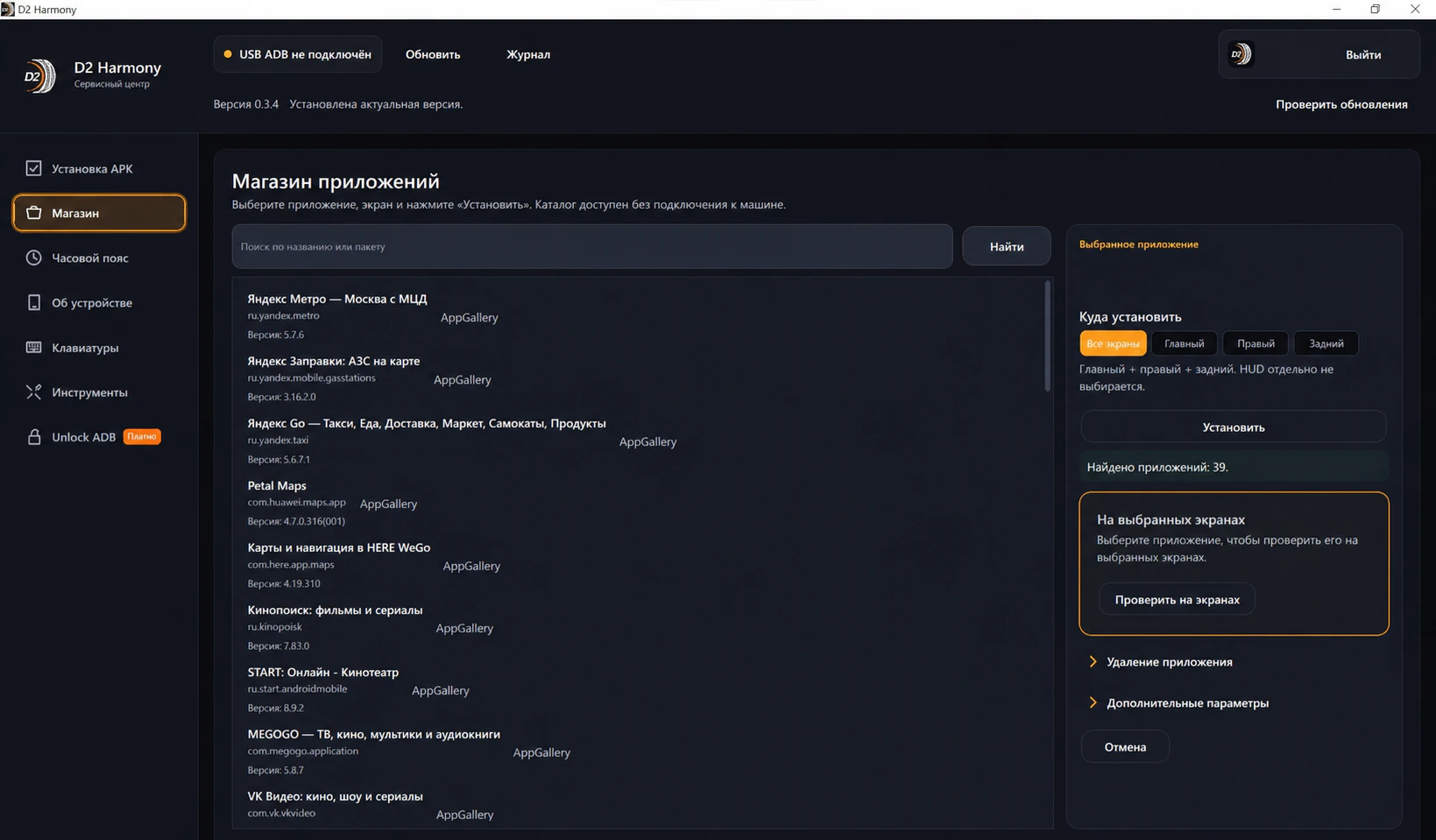
Vehicle selection screen in D2 Deepal Installer
One app, model-specific workflowsSelecting your vehicle shows only the features that apply to it.
For Changan Q07

D2 Changan Installer

Current release

D2 Changan Installer handles the current Q07 vehicle interface release. A technician requests access for an exact USB drive, signs in with an existing account and completes the required signed update check. The Q07 installer is available to technicians after sign-in.

Changan Q07Current Russian interface release; the exact build is checked before delivery
D2App VoiceA separate future feature; unavailable in the current release
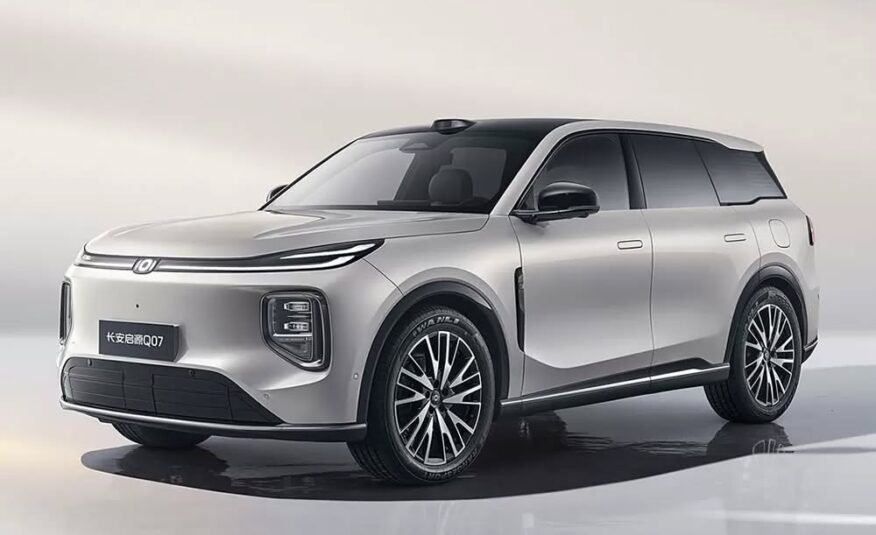
Silver Changan Q07 against a light neutral background
Changan Q07The Q07 interface workflow uses its own D2 Changan Installer.
Not sure where to start?

Start with your vehicle

We will show the compatible software, available features and connection steps.

Choose a vehicle
View image 1 / 1

Swipe left or right for the next image · swipe up or down to close