
First interface installation
For a vehicle without our localization: submit a Windows request, wait for approval and package verification, then prepare the system through EDL as directed by the installer.
Prepare the package on Windows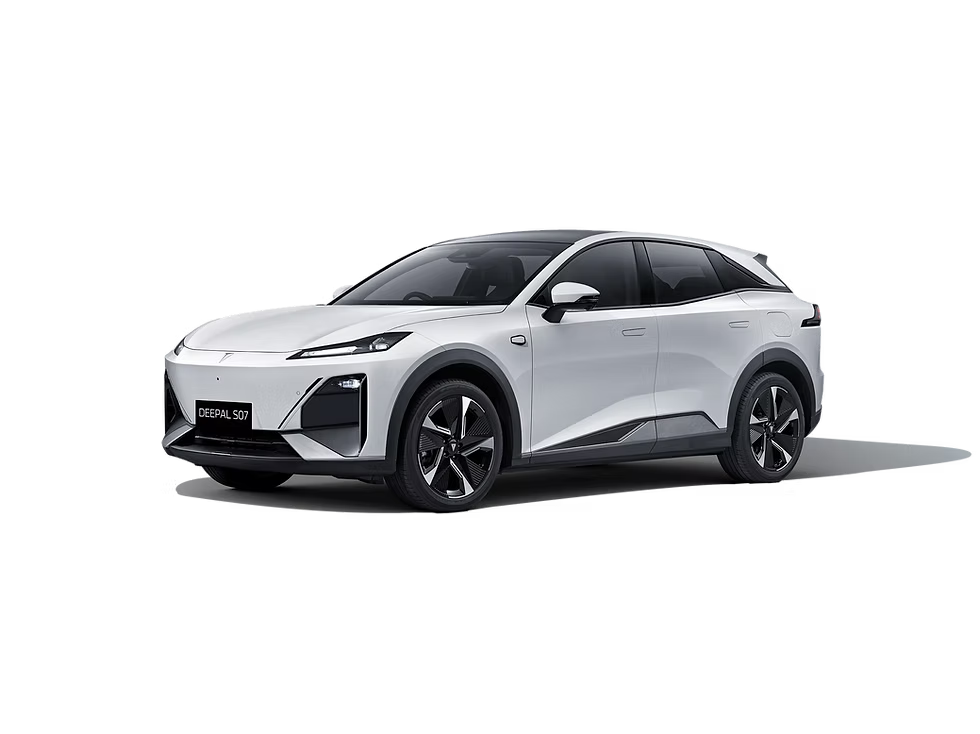
Choose the exact version: standard 4.1.1/4.2.1 or LiDAR 4.2.0/4.2.1. Follow the steps below for first interface installation; localization updates, D2 Voice and Yandex HUD projection are separate installer actions.
| Firmware | Interface | D2 Voice | Yandex on HUD |
|---|---|---|---|
| 4.1.1 | Russian English | Russian English | Yes |
| 4.2.1 | Russian English | Russian English | Yes |
| 4.2.0 LiDAR | Russian | Russian English | Yes |
| 4.2.1 LiDAR | Russian | Russian English | Yes |
Select the exact version, including LiDAR. D2 Deepal Installer checks package availability and approval for your VIN. Choose the D2 Voice language separately from the vehicle interface language.
For a vehicle without our localization: submit a Windows request, wait for approval and package verification, then prepare the system through EDL as directed by the installer.
Prepare the package on WindowsFor existing Russian localization on standard 4.1.1 and 4.2.1, select its update in the installer. This separate workflow runs after system startup without re-entering EDL. The exact firmware determines update availability. This guide does not claim this update workflow for LiDAR.
After system preparation, install it separately through D2 Deepal Installer with approval. The vehicle needs internet access for initial activation.
How to install projectionRun D2 Deepal Installer on Windows to sign in as a technician, choose the exact firmware, submit the request, then download and verify the package.
D2 EDL connects through a two-board ELM327, identifies the VIN and enters 9008/EDL only when instructed by the installer.
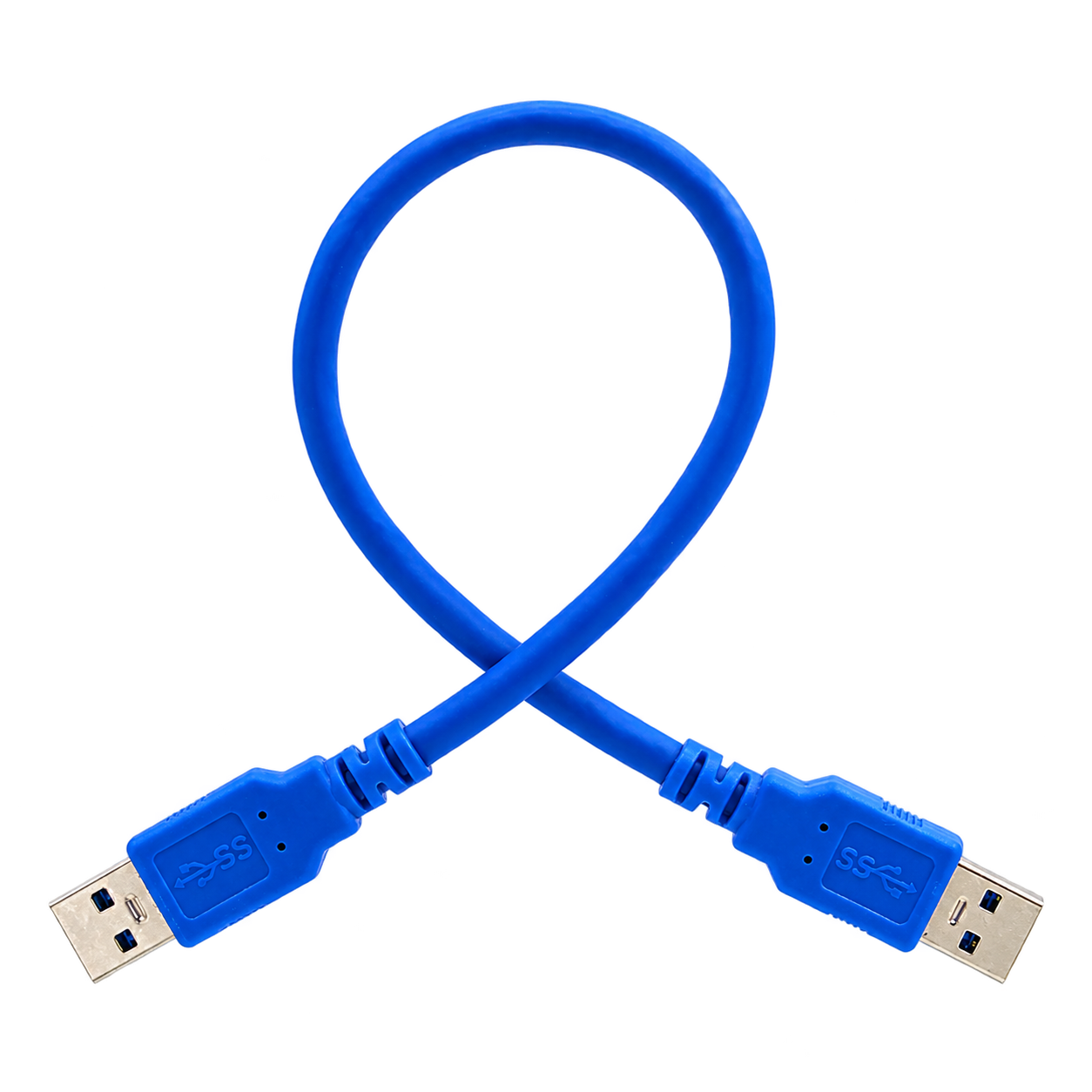
Use a cable with two identical USB-A male plugs, as shown. Connect it between the Windows computer and the vehicle only when the installer asks. A USB-C cable or ordinary charging cable will not work.
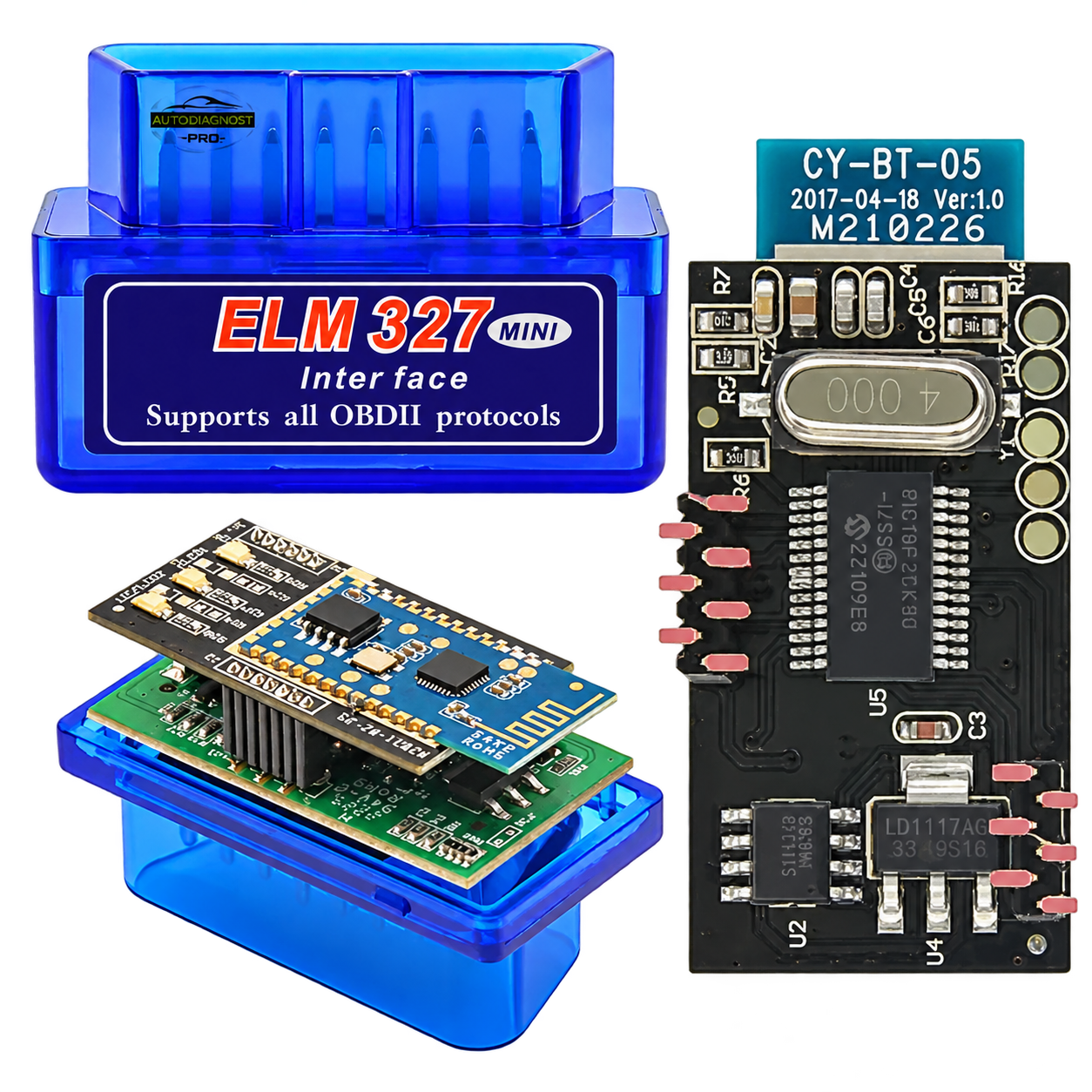
Use a Bluetooth ELM327 adapter with two internal boards, as pictured. D2 EDL uses it to identify the VIN and request access. Do not use a single-board ELM327 for this procedure.
Connect D2 EDL to the vehicle through the two-board ELM327, wait for the VIN to be identified and request access. The VIN and firmware must match the Windows operation.
Approval to install the interface does not authorize EDL automatically. Once the package is verified, wait for separate EDL approval and follow the installer’s instructions.
In EDL, the Windows installer creates a backup, prepares the system and checks the result, then waits for Android to finish starting. Keep D2 Deepal Installer open.
D2 Voice supports Russian and English on all four versions and requires a separate request. English D2 Voice on LiDAR does not imply an English vehicle interface.
Yandex navigation on the factory S07 facelift head-up display. Supported on standard 4.1.1 and 4.2.1, plus 4.2.0 LiDAR and 4.2.1 LiDAR.
The presence of a HUD rollback button does not mean a rollback has occurred. Confirm completion using the activation status and by checking projection on the vehicle.
Do not start a new operation blindly. Open D2 Deepal Installer on the same Windows computer and select the unfinished operation so it can find the safe point to continue.
If the firmware, cable, ELM327 or operation status is uncertain, stop and contact support. This public guide does not replace a technician’s check of the specific vehicle.