Vehicle interface languagesAvailable
Features by vehicle
Deepal S05
Want to change the language on your Deepal S05? Check the interface languages published for your exact firmware, then download the Windows installer.
Download softwareAvailable nowComing soon
Selected vehicleDeepal S05All vehicles
Languages in published releases
Availability depends on the exact firmware and is checked by the installer.
Vehicle interface
RussianKazakhEnglish
D2 Voice
RussianEnglish
By firmware
Vehicle interface · Firmware 3.1.1 Russian · Kazakh · English
Vehicle interface · Firmware 3.1.2 Russian · Kazakh · English
Vehicle interface · Firmware 3.2 Russian · Kazakh · English
D2 Voice · Firmware 3.1.1 Russian · English
D2 Voice · Firmware 3.1.2 Russian · English
D2 Voice · Firmware 3.2 Russian · English
D2App for your vehicleAvailable features
D2 VoiceSeparate request
AppsAvailable
Supported screensAvailable
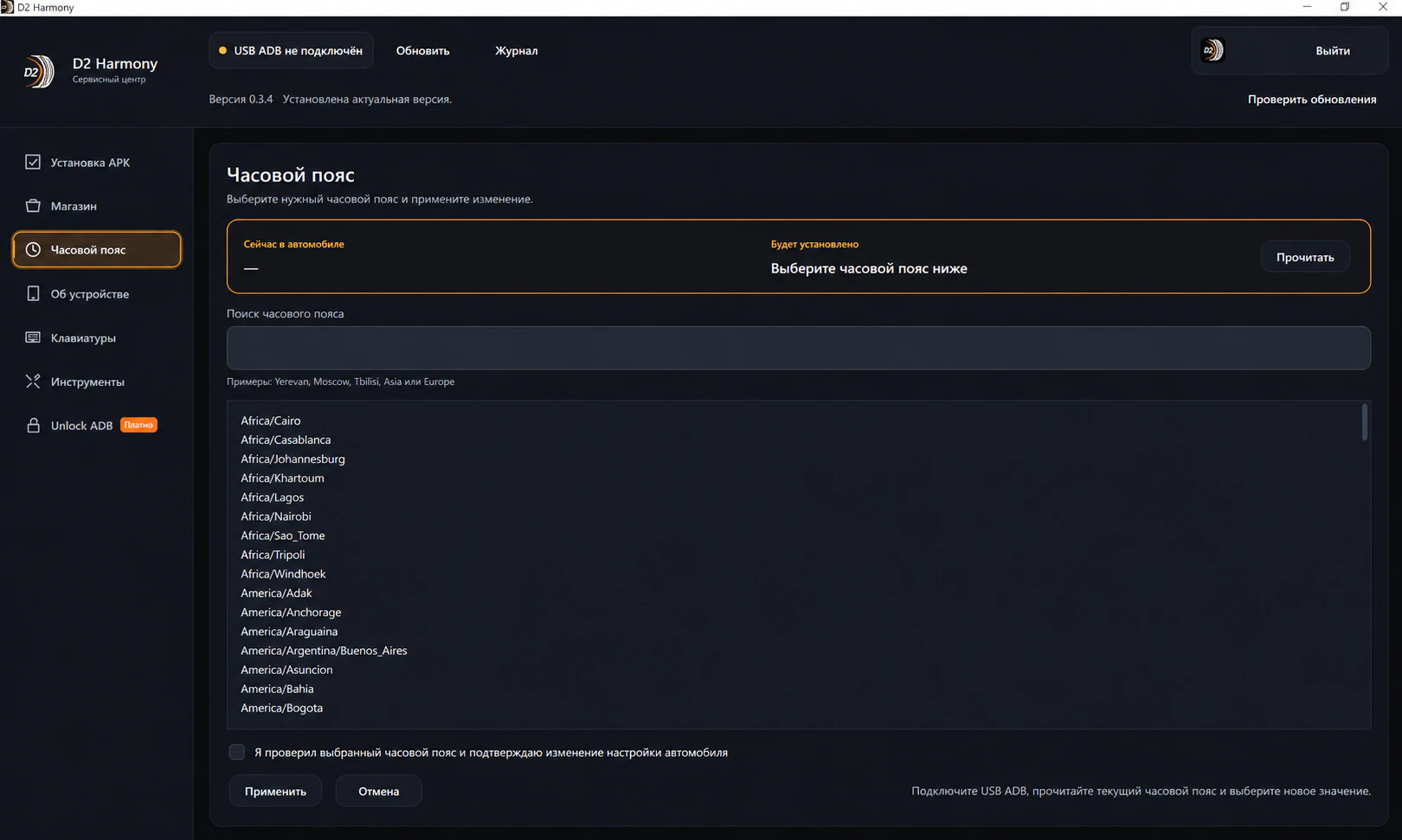
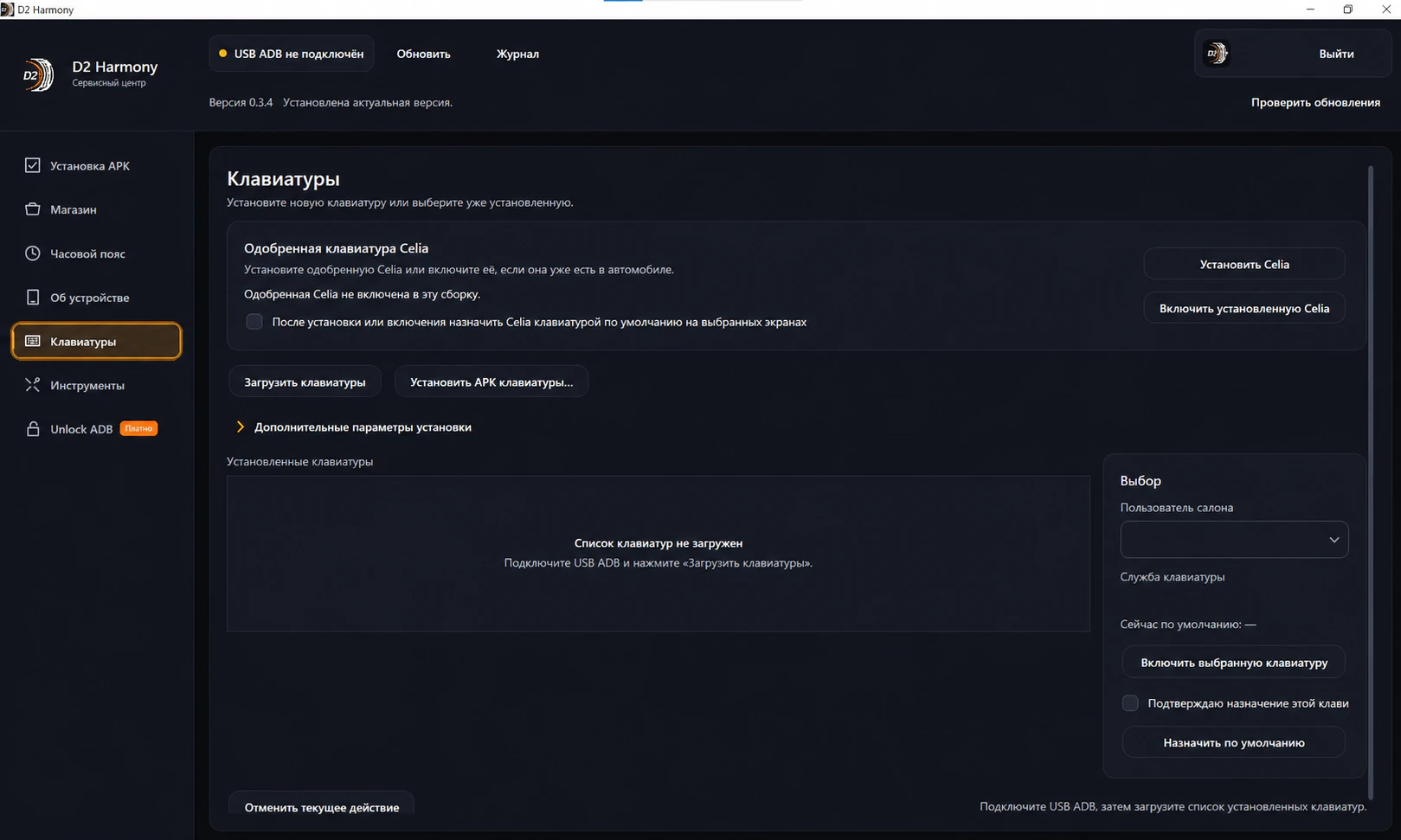
Time zone and keyboardAvailable
Split screen, widgets and HUDComing soon
Deepal S05Available
Vehicle interface languages for Deepal S05, D2 Voice, compatible apps and ADB preparation. Check the published languages for your firmware.
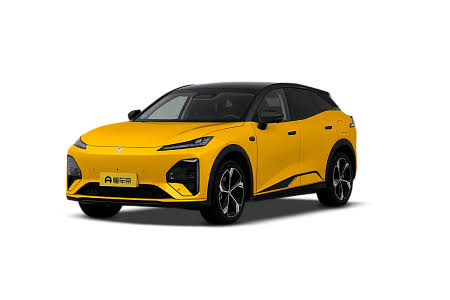
Deepal S07 pre-faceliftAvailable
Connection setup and compatible app installation. Split screen, widgets and HUD are in development.
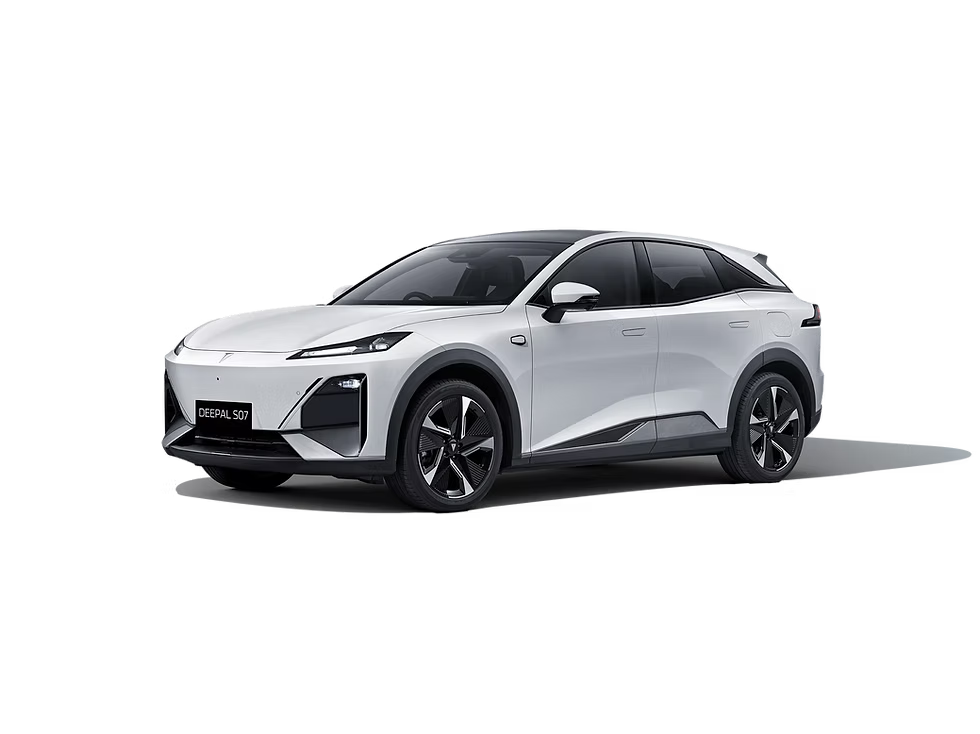
Deepal S07 faceliftSupported
Standard 4.1.1/4.2.1 and LiDAR 4.2.0/4.2.1: interface languages, separate D2 Voice and Yandex HUD projection. Select the exact version.
Changan Q07Current release
Russian interface through D2 Changan Installer. The installer requires technician sign-in; D2App Voice is a separate future release.
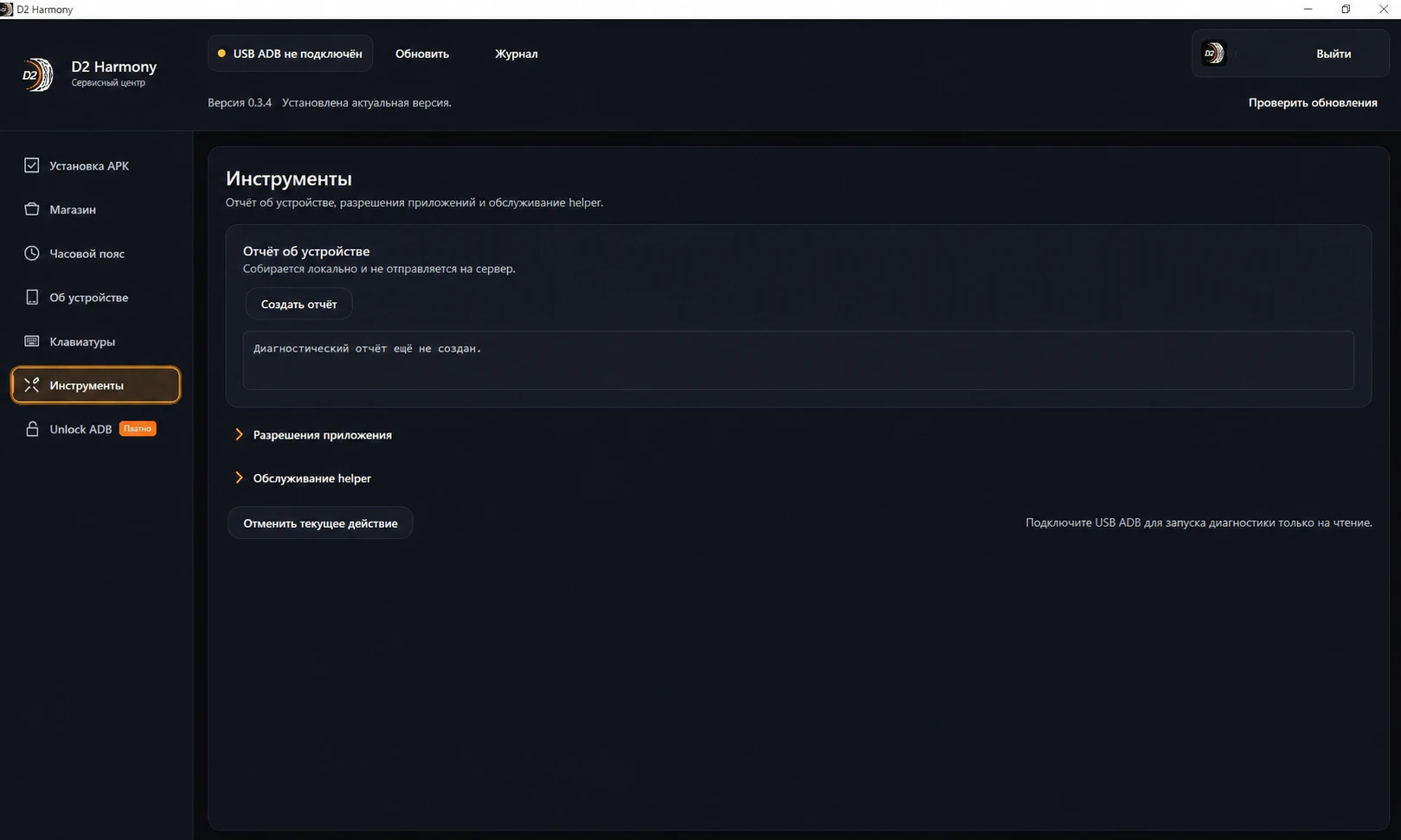
Deepal S09Available
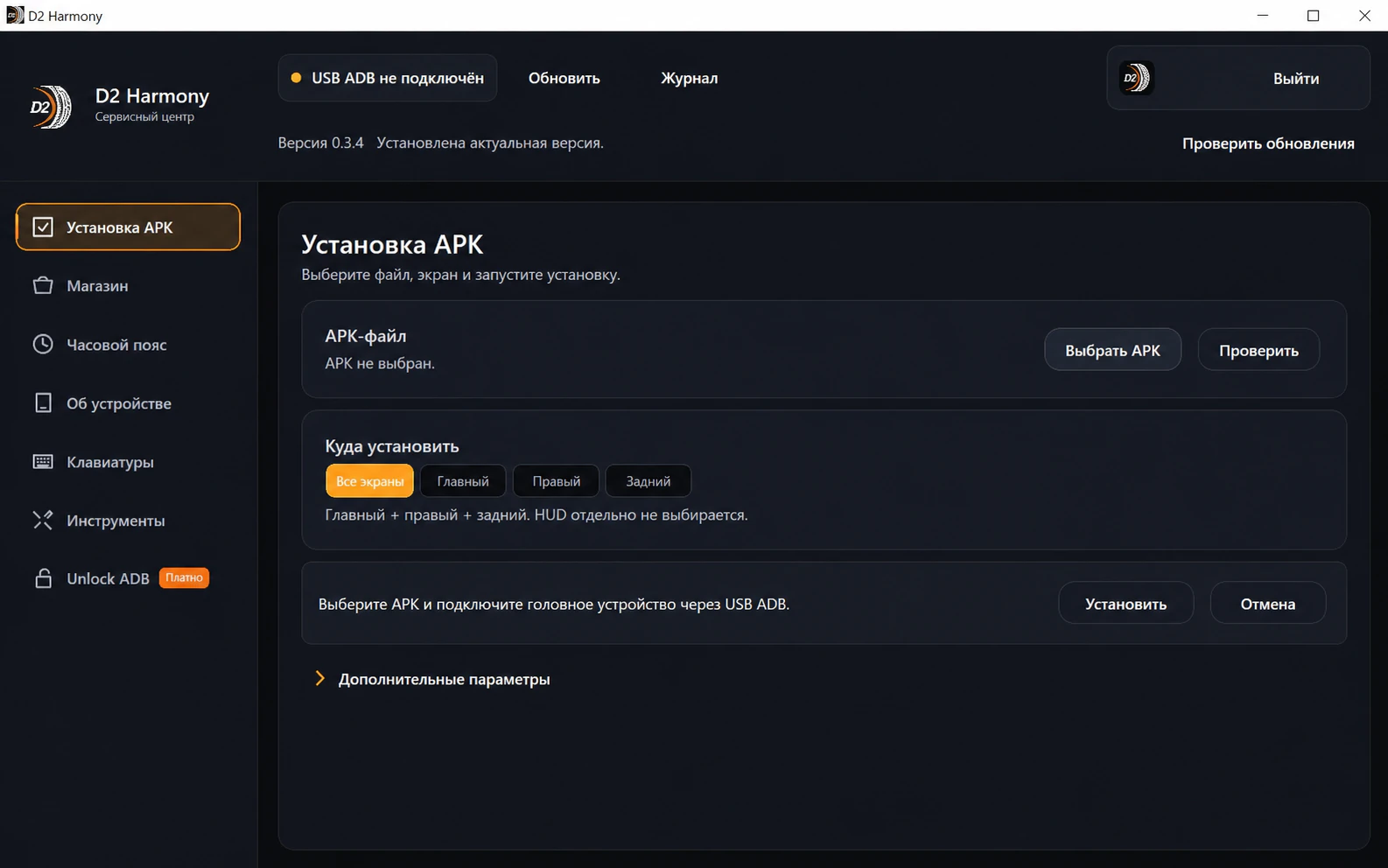
D2 Harmony installs apps on selected screens and configures time and keyboard settings. ADB must first be opened through the dealer system.
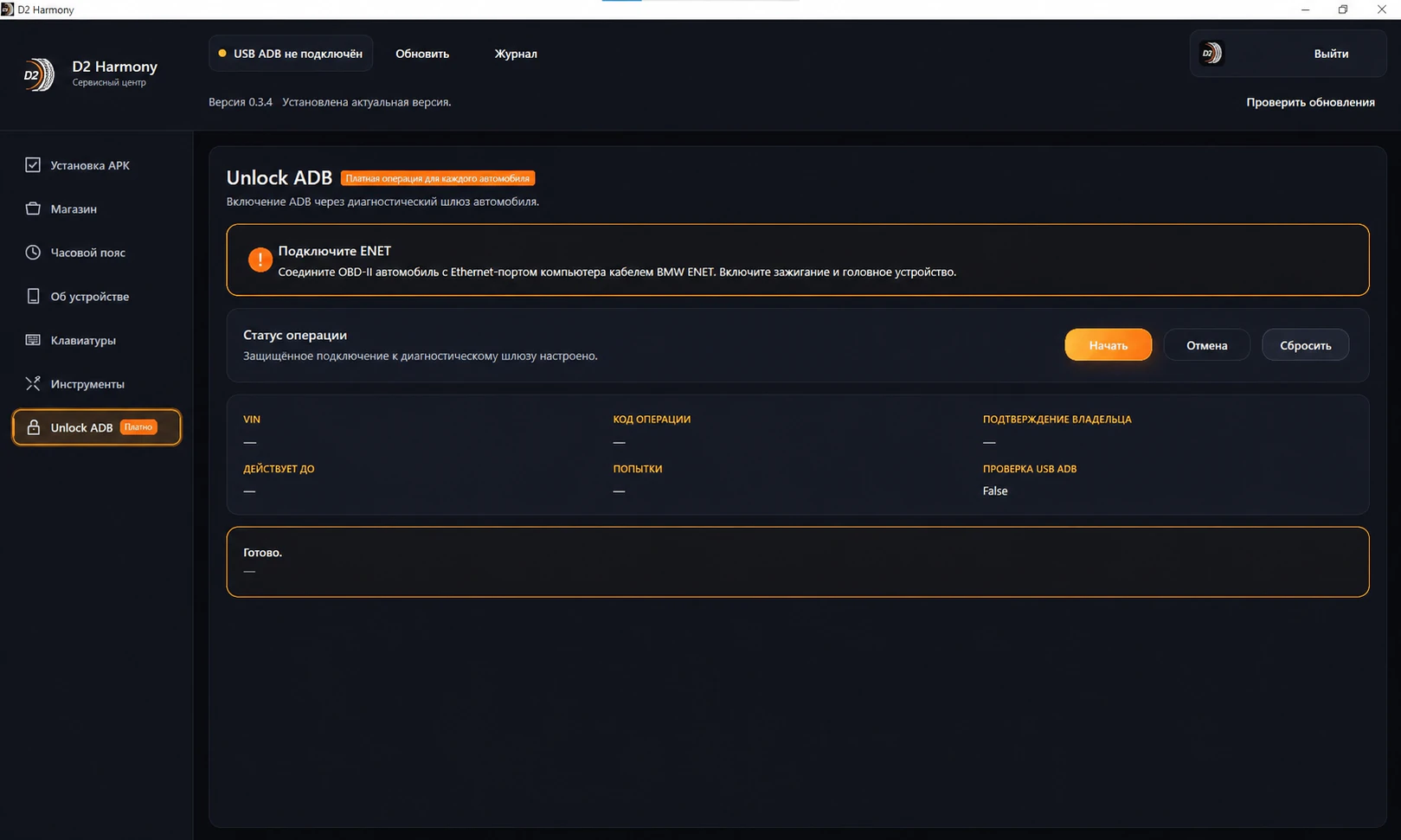
AvatrAvailable
D2 Harmony installs apps and configures the vehicle screens. ADB can be opened in the software using an ENET cable.
D2 Changan Installer · current releaseRussian interface
Russian interface
after an exact build check
The software checks the exact vehicle build and operation approval before selecting a compatible release.
Request tied to one drive
- Connect a removable USB drive with a hardware serial number.
- Create a request in D2 Changan Installer.
- After approval, download the key before the fixed deadline.
The software does not automatically format or write to the physical drive in the current release.
One technician account
- Sign in to an existing technician account.
- Complete the mandatory signed update check.
- After restarting, select the exact Q07 build.
The package is available only for a paid, approved, unfinished operation with a matching build.
Available now
More useful every day
Only confirmed features for the selected vehicle are shown.
Deepal S05Vehicle interface languages
Vehicle interface languages
in the vehicle system
Supported menus, settings, climate controls, body functions and driver assistance are translated for the built-in display.
- Menus and settings
- Climate and comfort
- Driver assistance
Speak —
your vehicle responds
Use voice control for vehicle functions and compatible apps with fewer taps.
Familiar services
on the vehicle display
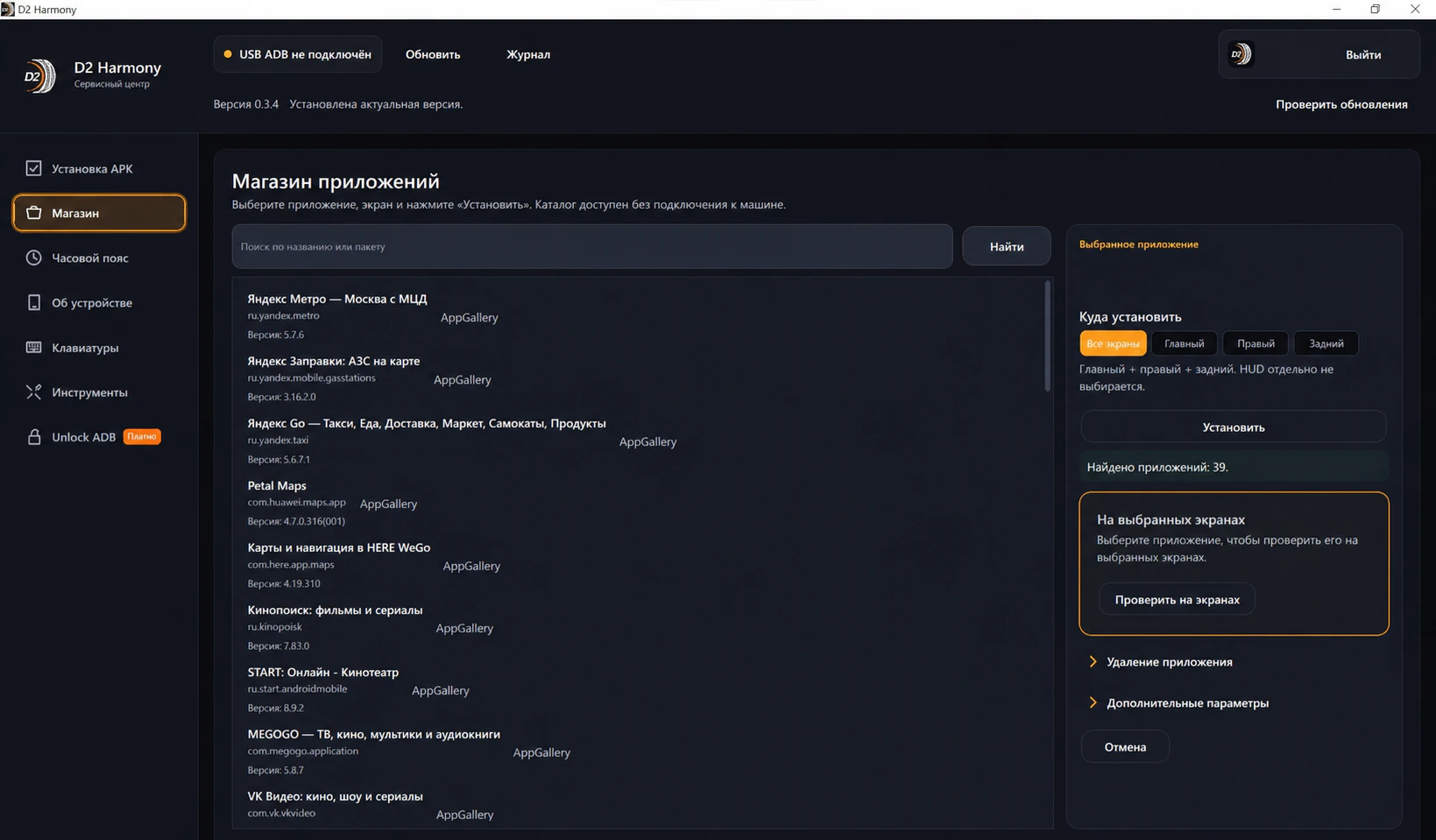
Compatible app versions are selected for the vehicle and listed in one catalog.
YYandex NavigatorNavigation and routes
D2D2App catalogApps and updates
Deepal S07 faceliftVehicle interface languages
Vehicle interface languages
for the exact release
Standard 4.1.1 and 4.2.1 support Russian and English interfaces. LiDAR 4.2.0 and 4.2.1 support a Russian interface. The firmware and vehicle type must match the selected package.
- Windows downloads and verifies the package
- EDL access requires separate approval
- The selected interface language and D2 ADB are installed after Android starts
D2 Voice —
separate request
D2 Voice is not bundled automatically with the interface package. The technician requests and installs it after separate approval.
D2 Deepal Installer · S07 facelift
A safe installation sequence
Choose the exact firmware and prepare a verified package first. Enter EDL only after separate approval.
- WindowsChoose the exact release and an available interface language, then download and verify the package.
- EDL approvalSeparate owner approval is required before entering the vehicle’s service mode.
- EDL and AndroidThe installer prepares the system and waits for the vehicle to finish starting.
- Vehicle interface languagesThe selected interface language and D2 ADB are installed automatically. D2 Voice remains a separate request.
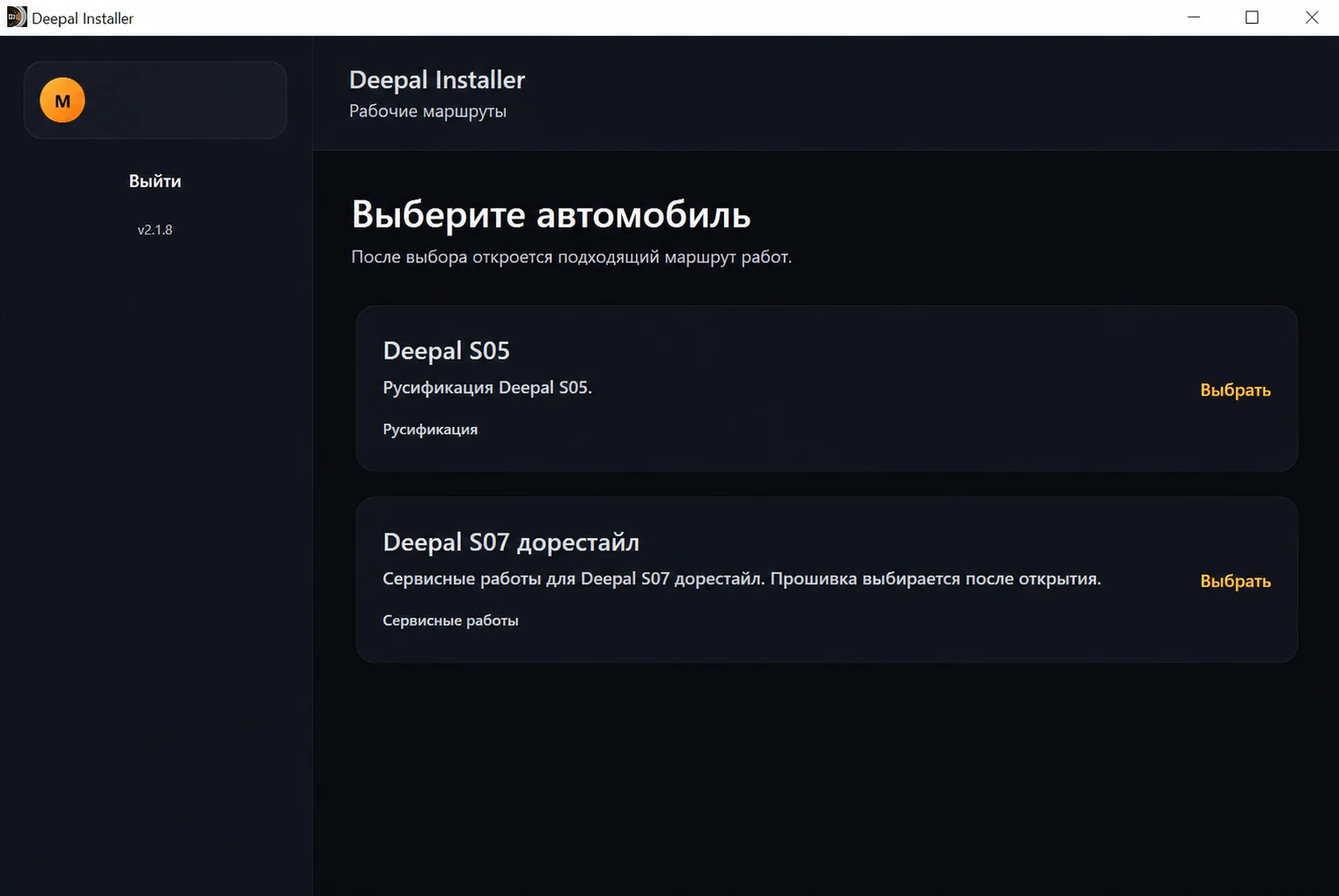
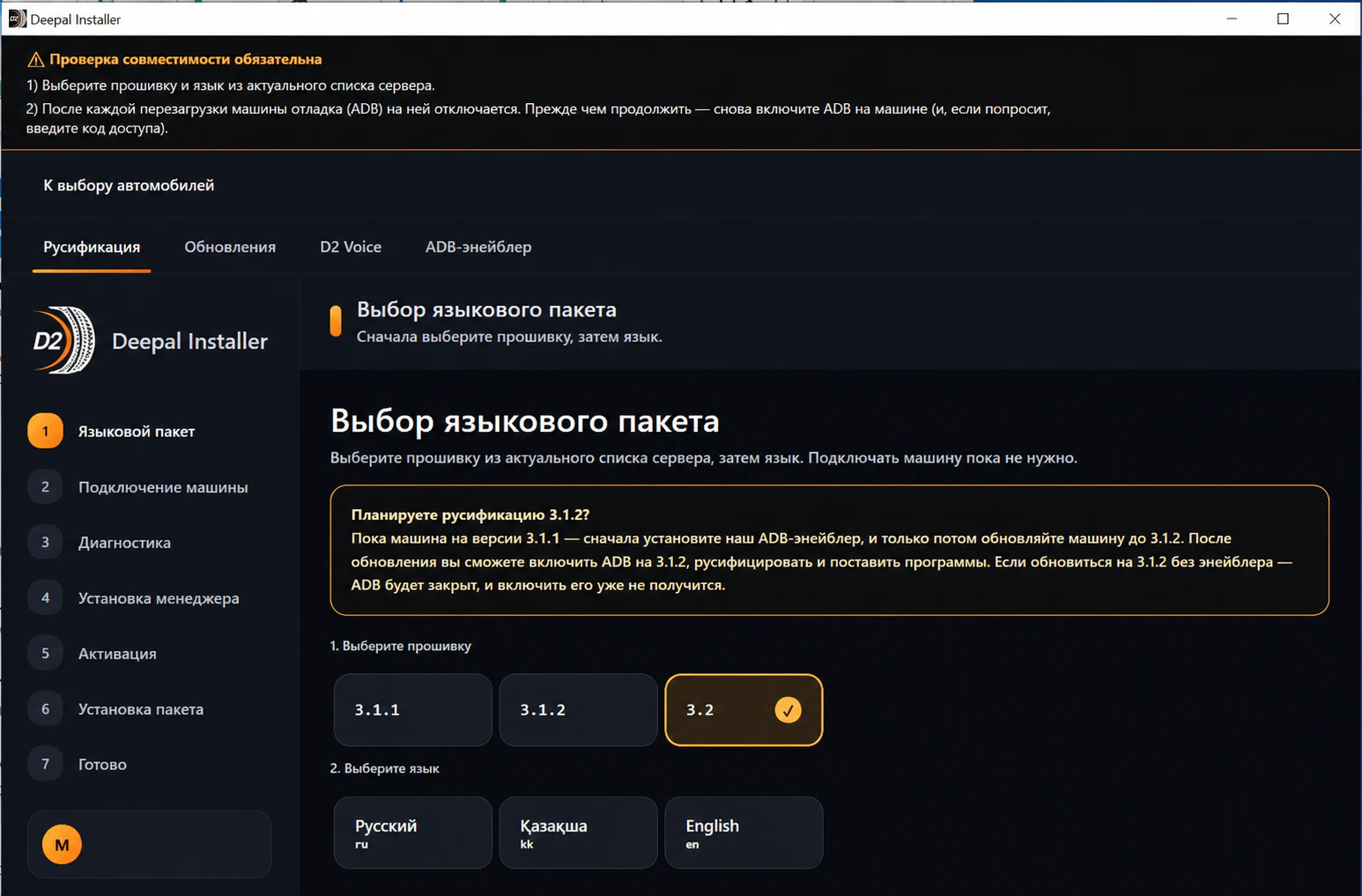
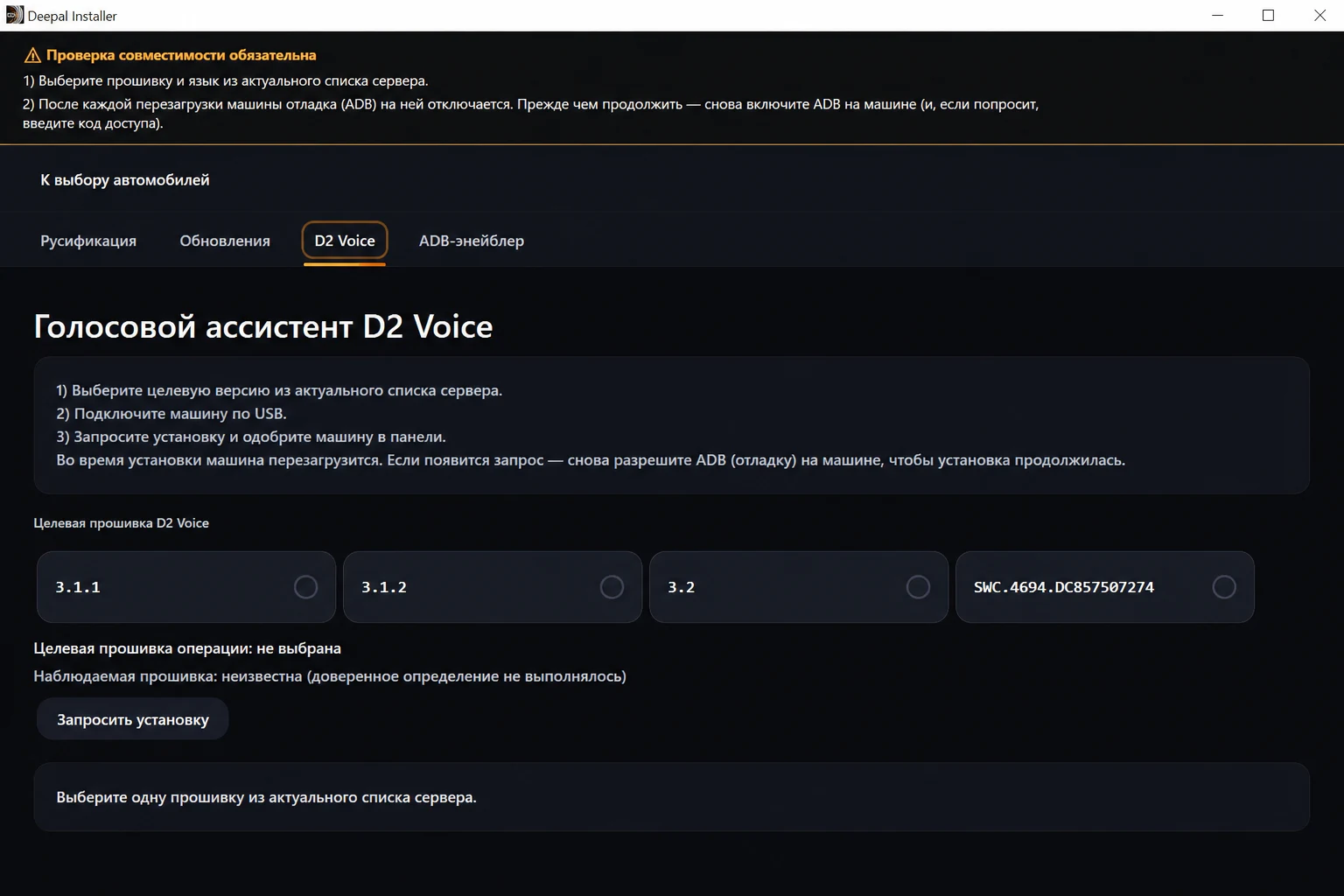
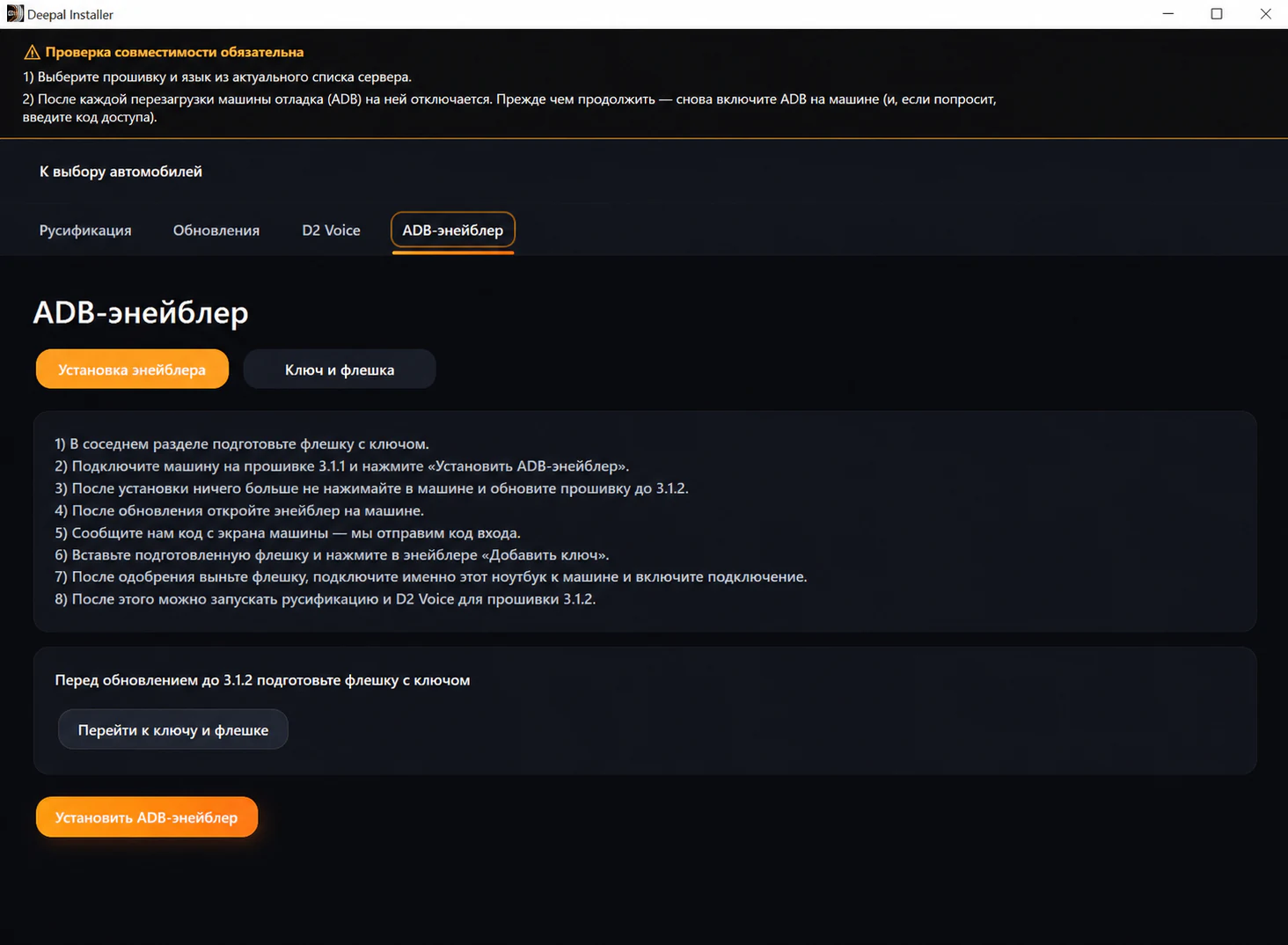
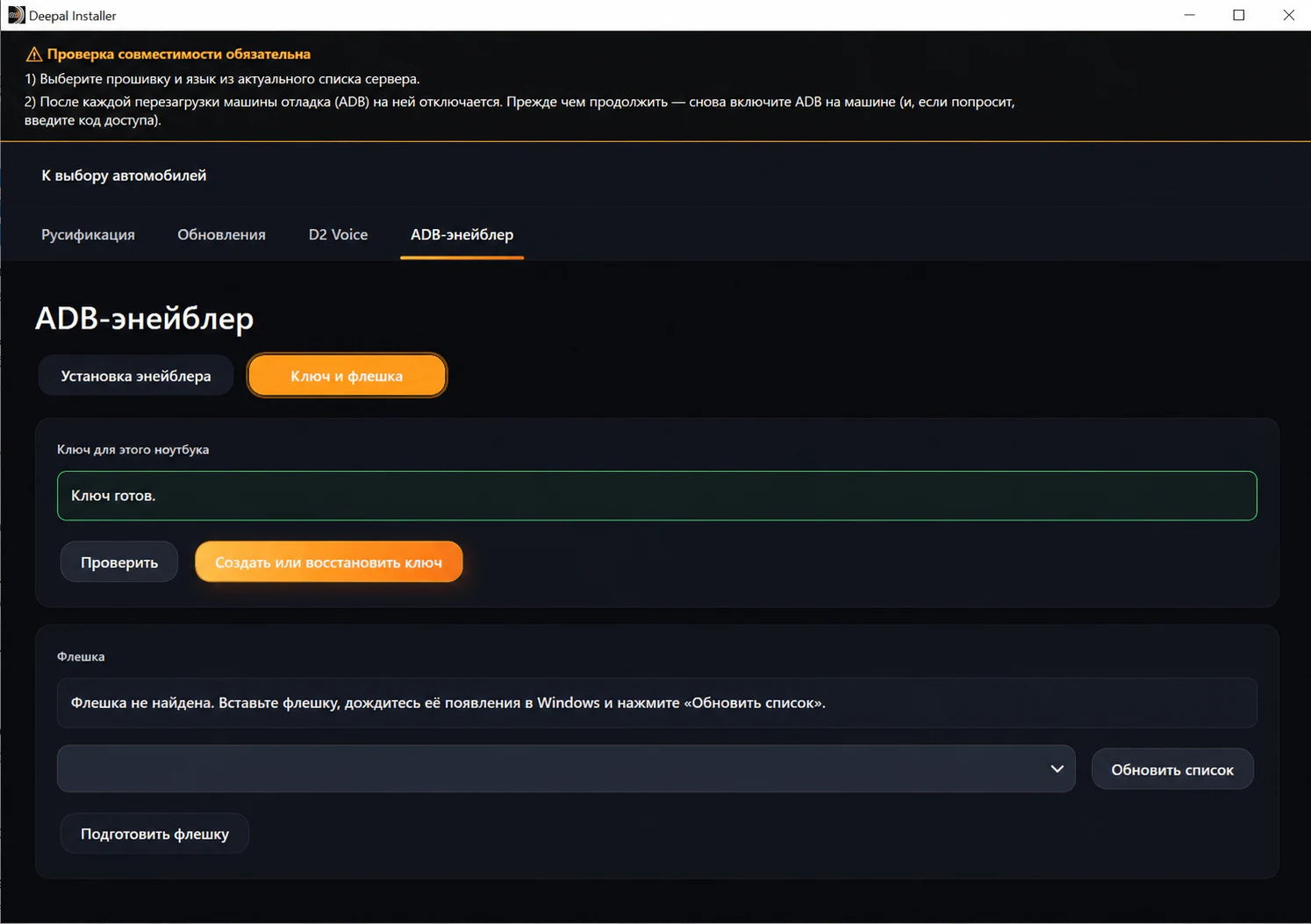
D2 Deepal Installer · Deepal S05
Installing on Deepal S05
Choose the exact firmware and interface language. Prepare ADB Enabler and the USB key on 3.1.1 before upgrading to 3.1.2 or 3.2. Request D2 Voice separately.
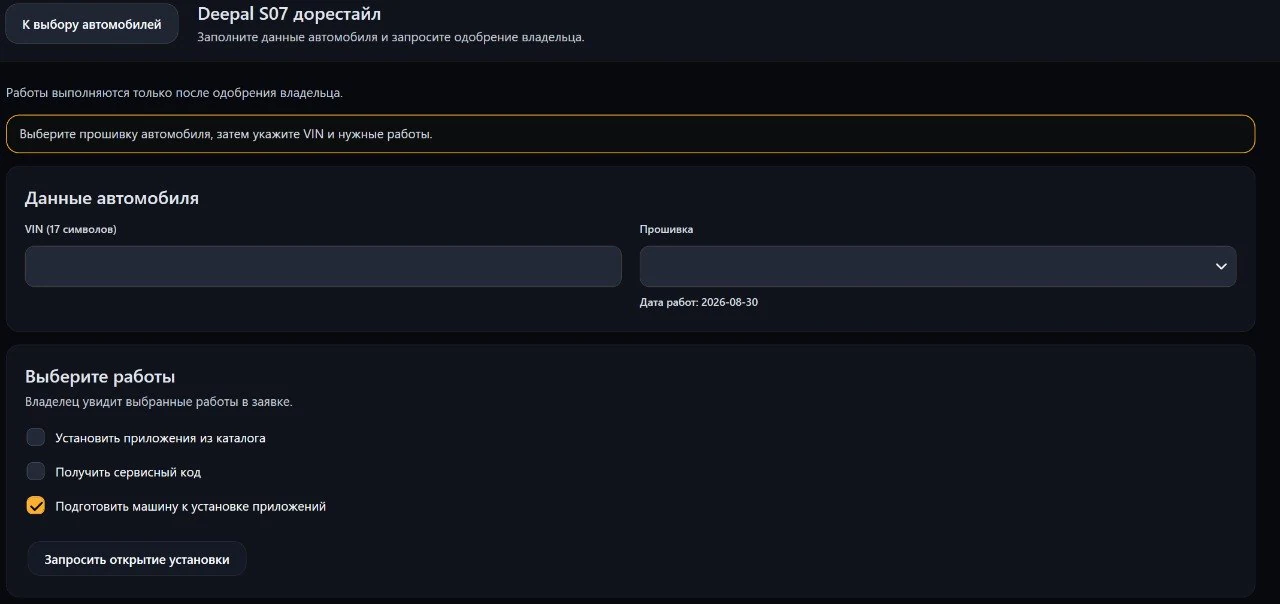
D2 Deepal Installer · S07 pre-facelift
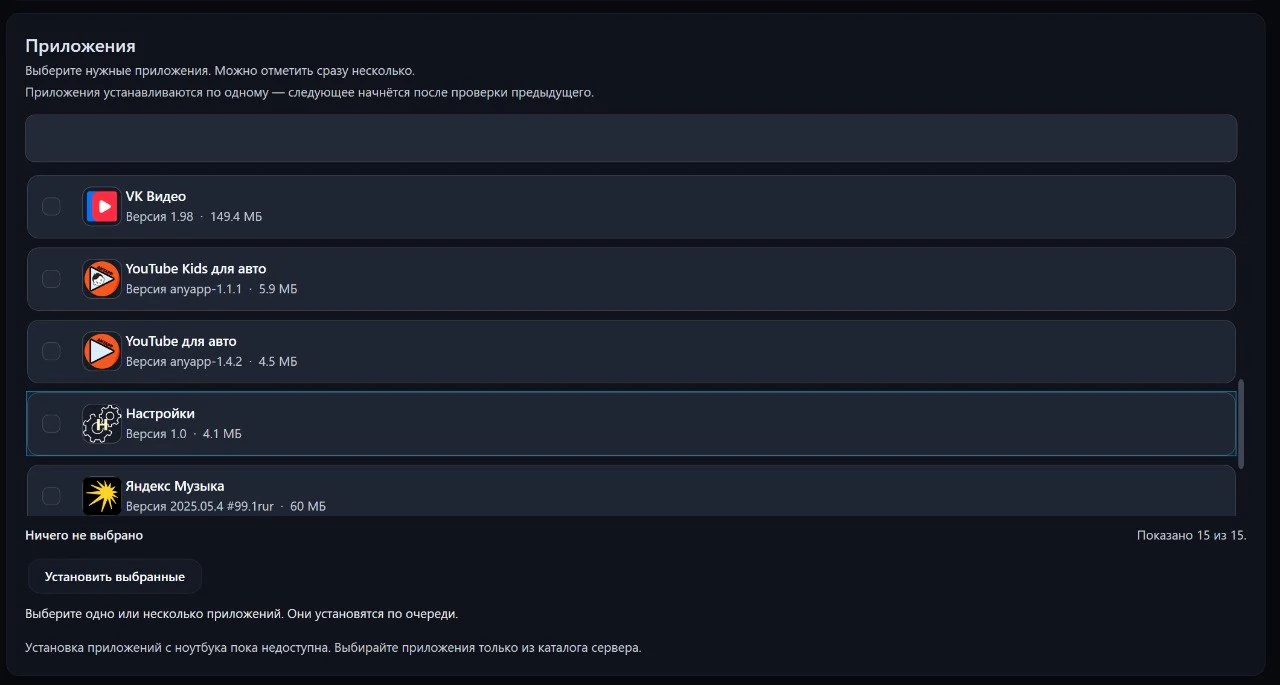
Connection setup and app installation
Enter the firmware and VIN, select the work and submit it for owner approval. Install compatible apps after approval.
In development for S07 pre-faceliftUpcoming features
Upcoming features
for the vehicle display
Split screen, widgets and HUD will follow model and firmware compatibility checks.
Split screenComing soon
Two tasks side by side
Navigation, music and compatible functions at the same time.
WidgetsComing soon
Essentials at a glance
Compact panels for quick access.
HUD projectionComing soon
Key information in view
Speed, navigation and alerts on the windshield.
D2 Harmony for Deepal and AvatrApps and settings
Apps and settings
for supported screens
Deepal S09 and Avatr use different first-connection methods. Choose your vehicle.
For Deepal S09, enable ADB through the dealer system first
After ADB is enabled, connect the main vehicle display by USB and continue in D2 Harmony.
- Enable ADB through the dealer system
- Connect the main display by USB
- Choose an action in D2 Harmony
For Avatr, D2 Harmony can enable ADB with an ENET cable
The software guides you through enabling ADB and getting owner approval. Then connect to the vehicle system over USB ADB.
- Connect the ENET cable
- Open Unlock ADB
- Connect over USB ADB
Apps on selected
vehicle screens
Install apps on the main, passenger or rear screen, or on all supported screens.
- Install and remove apps
- Set the time zone
- Configure the keyboard
D2 Harmony for Windows
What D2 Harmony can do
See how connection, app installation and screen settings work.